Custom software beats a SaaS subscription when you pay for many seats, use only a small part of the product, and the tool is central to how you work. For everything else, cut unused licences and keep the subscription. AI assisted development has made small custom tools much cheaper to build in 2026, so the break even point arrives sooner than it used to.
Key takeaways
- Zylo's 2026 index puts median SaaS spend at $9,455 per employee per year.
- The same research found organisations leave around 36% of licences unused.
- Audit first: cancel unused seats and duplicate tools before building anything.
- Custom tools make sense for core workflows where you pay per seat for features you do not use.
The quiet growth of your software bill
Software subscriptions creep up. A new tool for one team, an AI add on, a yearly price rise at renewal. Zylo's 2026 SaaS Management Index, based on more than 40 million licences, puts median spend at $9,455 per employee per year. Vertice reports a similar figure that has risen for two quarters in a row through Q3 2026.
Smaller companies spend less per person, but the pattern is the same: more tools, more seats, higher renewals.
How much of it is wasted
Zylo's research found organisations leave around 36% of their SaaS licences unused. That is money paid every month for seats nobody opens. Add duplicate tools that do the same job in different teams, and most businesses have savings available before they change anything else.
Step one: a simple software audit
- List every subscription. Check card statements and accounting software, not just what IT knows about.
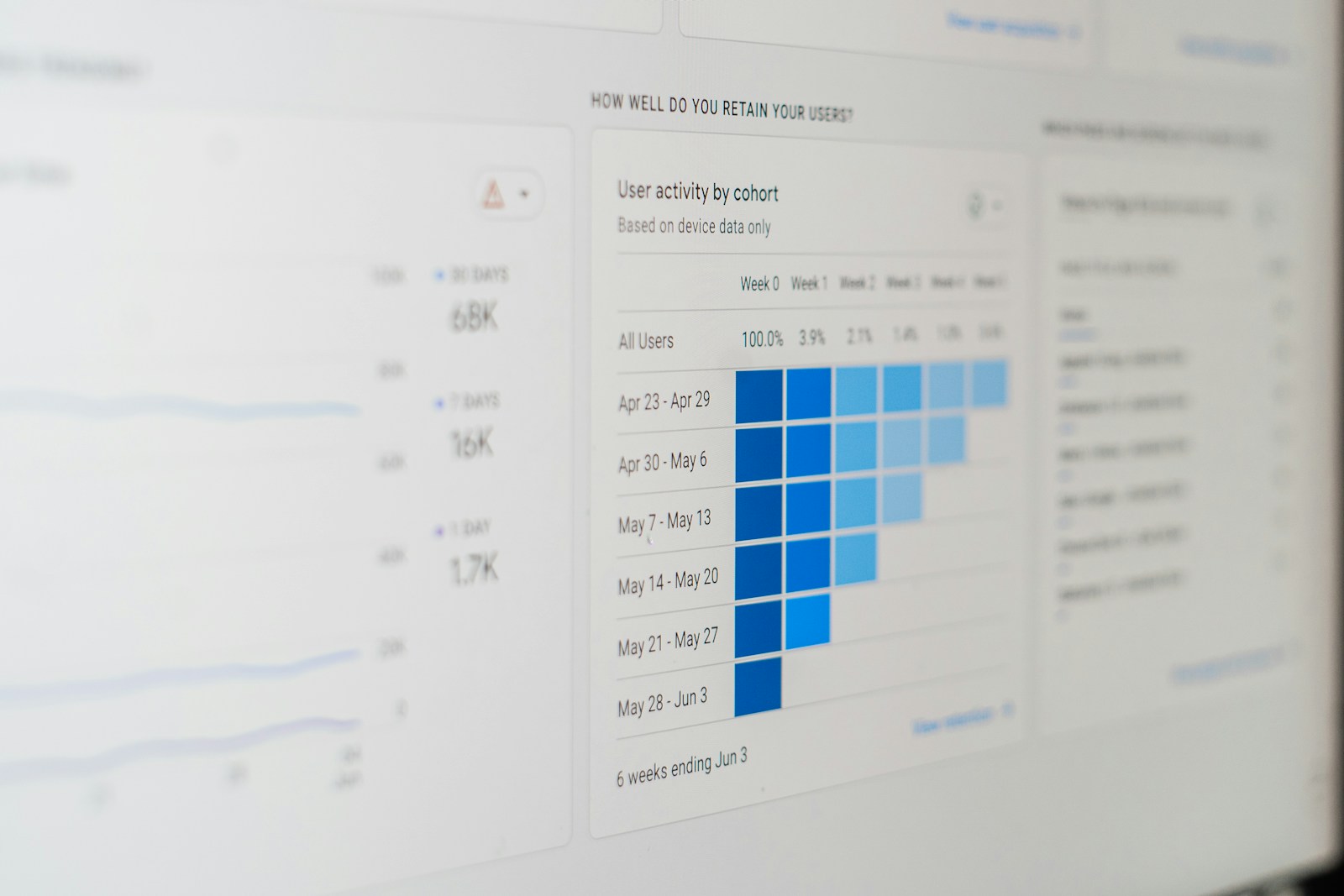
- Record seats and real usage. Most tools show last login dates.
- Find duplicates. Three project tools or two form builders is common.
- Check renewal dates. Negotiate or downgrade before auto renewal, not after.
- Cancel or reduce anything unused, then decide what is left.
When custom software is the better choice
Keep the subscription for commodity tools like email, accounting and video calls. Consider building your own when most of these are true:
- You pay per seat for many people who only use a few features
- The tool is central to how you deliver your service or make money
- You are stitching several tools together with workarounds and spreadsheets
- Your process is a real competitive advantage that off the shelf tools do not fit
- You want to own your data and not be exposed to yearly price rises
How AI changed the maths
Building a focused internal tool used to take months. With AI assisted design and development, a well scoped portal, dashboard or workflow tool can now be prototyped in days and launched in weeks. Running costs are usually hosting plus maintenance, not a fee for every user. That shifts the break even point much earlier, especially for teams of ten or more paying for an expensive tool they barely use.
A simple way to estimate savings
Take a tool that costs $60 per user a month for 20 people. That is $14,400 a year, every year, and it usually rises at renewal. If a custom tool covering the features you actually use costs a one time build plus modest hosting and support, it can pay for itself within the first year or two. Run your own numbers before deciding. Some tools are worth every cent.
How we help
Our free Kill Your SaaS Bill review looks at your current subscriptions, finds quick savings, and tells you honestly which tools are worth replacing. If building makes sense, we start with a 72 hour prototype so you can click through it before committing, and custom web apps start from $7,500 with the code owned by you.
Frequently asked questions
How much do companies spend on SaaS per employee?
Zylo's 2026 index puts the median at $9,455 per employee per year. Smaller businesses typically spend less per person, but costs are rising for most.
How do I find unused software licences?
Check last login dates in each tool's admin panel, compare seat counts to active users, and look for duplicate tools that do the same job.
Is custom software expensive to maintain?
Usually less than people expect for focused tools. You pay for hosting and occasional updates rather than per user fees, and you control the roadmap.
Should a small business build its own CRM?
Usually not. Popular CRMs are good value. Custom tools make sense for specialised workflows that standard products do not fit.